 14 slidesExecutive management report
Project status report
About this template
For steering committees and status meetings: a progress traffic light, budget, risks, a Gantt chart and pending decisions, in a clean Swiss design.
Slides included
The template has 14 widescreen 16:9 slides, already written in English around a realistic example on the topic so you can see how a finished deck looks. Replace the text with your own and delete the slides you do not need:
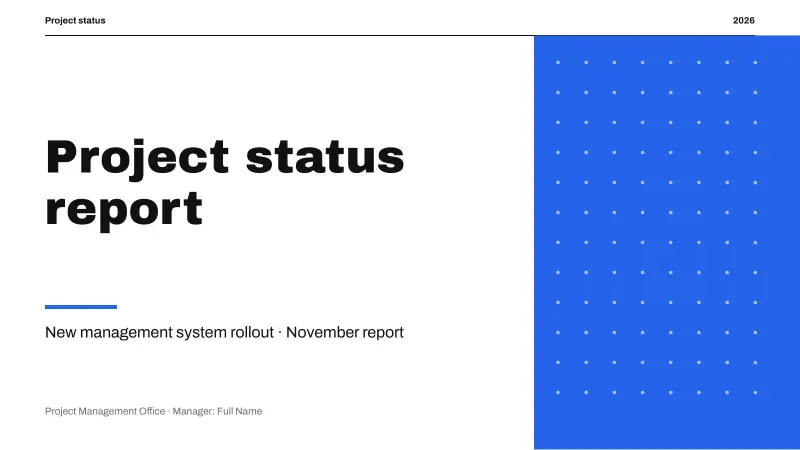
- Cover: “Project status report”
- Agenda: “Contents”
- Section divider: “Status summary”
- Introduction with text and image: “The month in a nutshell”
- Key idea cards: “Achievements this period”
- Big numbers: “Project indicators”
- Editable chart: “Planned vs. actual progress by phase”
- Timeline: “Upcoming milestones”
- Step-by-step process: “Mitigation plan for the critical risk”
- Gantt chart: “Project schedule”
- Team: “Project team”
- Quote
- Closing slide: “Thank you”
- Resources: fonts, palette and instructions
Fonts, colors and editable elements
It uses Archivo Black and Archivo, free Google Fonts; download links are on the last slide. The main palette is #2563EB, #111111, #8A8A8A and #FFFFFF and it is stored in the file theme, so you can recolor the whole deck at once from Design → Variants → Colors in PowerPoint.
Everything is editable: text, shapes, icons and illustrations are native elements or images you can move, recolor or replace. The chart is a native PowerPoint chart: right-click → Edit Data and type your numbers. It also includes ready-to-fill slides for gantt chart.
How to edit this template
-
In PowerPoint
Open the .pptx and click into any text to replace it. To change colors for the whole deck go to Design > Variants > Colors.
-
In Google Slides
Upload the file to Google Drive and open it with Google Slides, or use File > Import slides inside an existing presentation.
-
In Canva
Choose Create a design > Import file and pick the .pptx. Each slide becomes an editable Canva page.
-
Images and charts
Right-click a picture and choose Change picture to keep its size and crop. Right-click a chart and choose Edit data to type your own numbers.
Frequently asked questions
Can I use this template in Google Slides?
Yes. Upload the .pptx file to Google Drive and open it with Google Slides. Archivo Black and Archivo are already available there; install them on your computer if you use PowerPoint.
How do I change the colors of the whole deck?
The colors live in the theme. In PowerPoint go to Design → Variants → Colors and pick or create a palette; every slide updates at once.
Is it free for commercial use?
Yes. You can use it for personal, school and work presentations with no attribution. You may not resell it or share the file as a download on another site.
What does Project status report include?
Project status report is a free editable .pptx file: 14 slides, 16:9 format, 90 KB. Text, colors, images and charts can all be changed.
Can I edit Project status report in Canva?
Yes. In Canva choose Create a design > Import file and select the .pptx. Every slide becomes an editable page.