 13 slidesValentine’s Day and friendship
All free presentation templates
Every template on the site, newest first. All of them are free .pptx files you can edit in PowerPoint, Google Slides or Canva.
50 templates
Filter by style and color
13 slidesValentine’s Day and friendship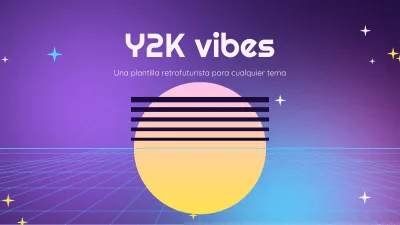 13 slidesY2K retro-futuristic aesthetic
 16 slidesOrg chart and SWOT analysis
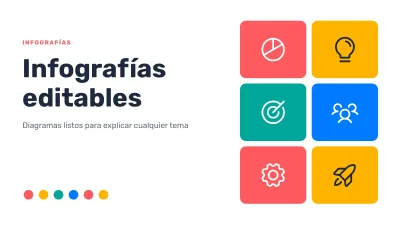 17 slidesEditable infographics
 13 slidesLayered abstract backgrounds
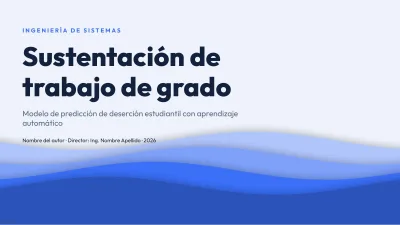 13 slidesModern layered thesis
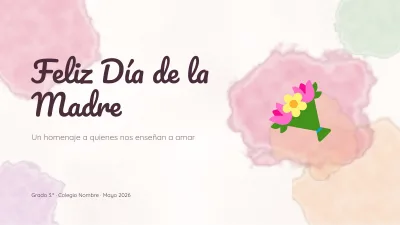 13 slidesMother’s Day
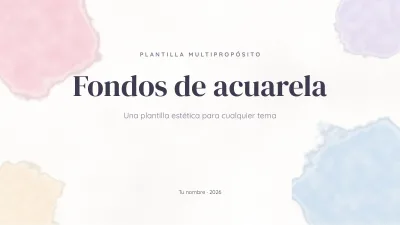 13 slidesAesthetic watercolor backgrounds
 13 slidesSports and training
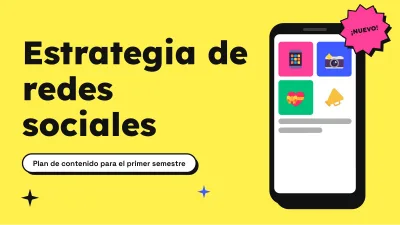 13 slidesSocial media marketing
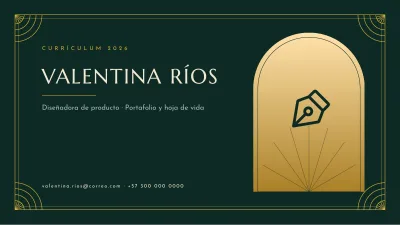 10 slidesElegant résumé
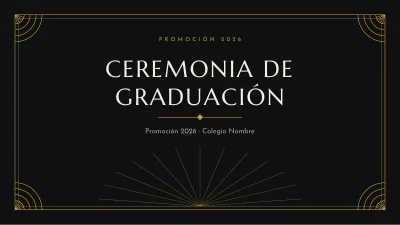 13 slidesElegant graduation
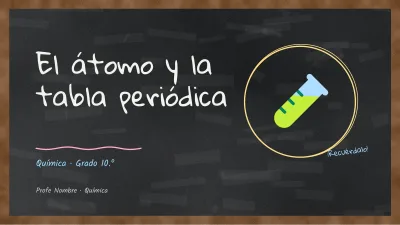 13 slidesChemistry on a blackboard
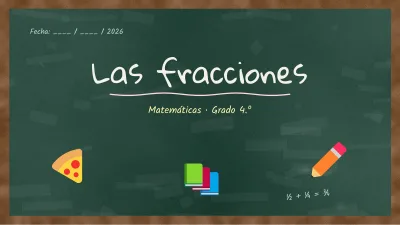 13 slidesChalkboard lesson
 13 slidesClassroom trivia game
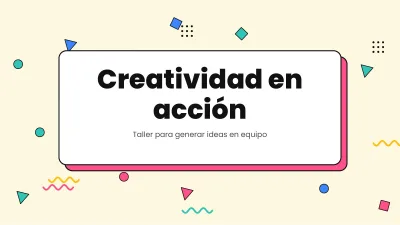 13 slidesFun colorful template
 13 slidesFun school Christmas
 13 slidesChristmas year-end review
 13 slidesHalloween trivia game
 13 slidesHalloween class and activities
 13 slidesBiology: the cell
 13 slidesClinical case and medicine
 13 slidesMath on grid paper
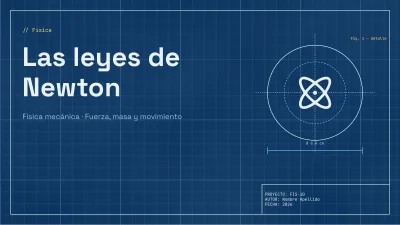 13 slidesScience and physics blueprint
How to choose the right template
Start from what you have to present, not from the colors. A thesis defence, a sales proposal and a class on volcanoes need different slides: the first needs room for method and results, the second for prices and a clear call to action, the third for big images and very little text. Use the categories to narrow it down, then filter by style or color.
- Count your slides first. Ten minutes of talking is usually eight to twelve slides. Pick a template that has at least the layouts you need.
- Check the chart and table slides. They are the hardest to build from scratch and the ones that save you the most time.
- Think about the room. Dark backgrounds look good on screens in dim rooms; light backgrounds are safer for projectors in bright classrooms and for printing.
Frequently asked questions
How often are new templates added?
New templates are published every week. This list always shows the newest first.
Can I filter templates by color and style?
Yes. Open Filter above the grid and combine a style with a color, for example minimalist and blue.
What format are the files?
All templates are .pptx files in 16:9 unless the template says otherwise. They open in PowerPoint and Keynote and import into Google Slides and Canva.