 13 slidesY2K retro-futuristic aesthetic
Free presentation backgrounds
Backgrounds ready to sit behind your content, as .pptx files in 16:9. Each file includes cover, content and closing versions so the whole deck stays consistent.
5 templates
Filter by style and color
13 slidesY2K retro-futuristic aesthetic 13 slidesLayered abstract backgrounds
 13 slidesAesthetic watercolor backgrounds
 13 slidesElegant botanical backgrounds
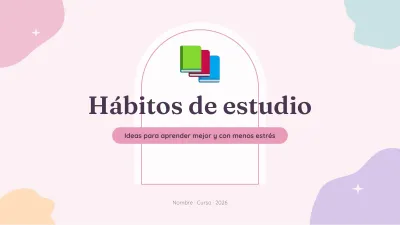 13 slidesPastel aesthetic template
Master background or single slide
Backgrounds in our files live in the Slide Master (View > Slide Master), so they never move while you edit. To use one on a single slide: right-click > Format Background > Picture fill. Keep strong contrast, put text on the plain areas, and prefer light backgrounds for printing.
Frequently asked questions
How do I apply a background to every slide?
View > Slide Master, select the top master slide and change its background.