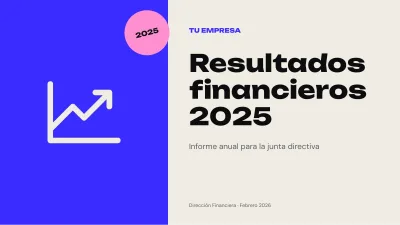
 13 slidesFinancial results report
Free finance PowerPoint templates
Templates for financial reports, budgets, month-end reviews and results presentations, with bar charts, line charts and pre-formatted tables.
1 template
Filter by style and color
13 slidesFinancial results reportPresenting numbers without losing the room
- One headline figure per slide, big, with what it means underneath.
- Always compare: against last month, budget or last year.
- Round: "2.4 million" reads better than "2,394,871".
- Pick the chart for the question: lines for change over time, bars to compare categories, waterfall to explain a bridge between two results.
Working with Excel
Paste tables with Paste Special > Use destination theme so they pick up the template's colors. For charts, Edit data opens a sheet where you paste your columns.
Frequently asked questions
Can I paste Excel data into the charts?
Yes. Right-click the chart, choose Edit data and paste your columns.
Which chart shows sales over time best?
A line chart for many periods, columns for a few.