 13 slidesValentine’s Day and friendship
Free PowerPoint templates and Google Slides themes
Editable presentation templates for school, university and work. Download the .pptx, open it in the app you use and replace the text. No sign-up, no limits.
Popular: Business Education Infographics Holidays Backgrounds Medical
- 100% free
- No sign-up
- PowerPoint, Google Slides, Canva
Browse by topic
Latest templates
See all 5013 slidesValentine’s Day and friendship 13 slidesY2K retro-futuristic aesthetic
 16 slidesOrg chart and SWOT analysis
 17 slidesEditable infographics
 13 slidesLayered abstract backgrounds
 13 slidesModern layered thesis
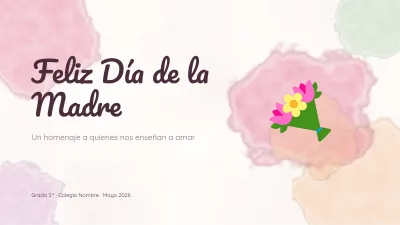 13 slidesMother’s Day
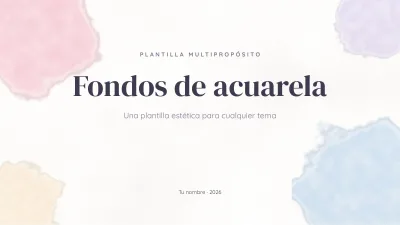 13 slidesAesthetic watercolor backgrounds
 13 slidesSports and training
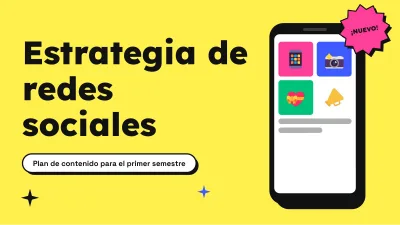 13 slidesSocial media marketing
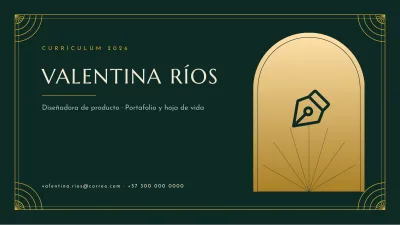 10 slidesElegant résumé
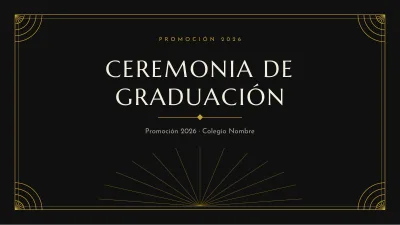 13 slidesElegant graduation
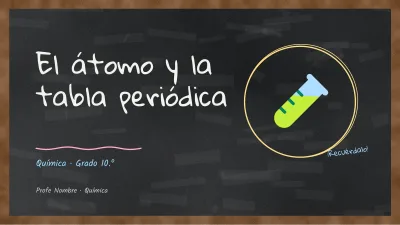 13 slidesChemistry on a blackboard
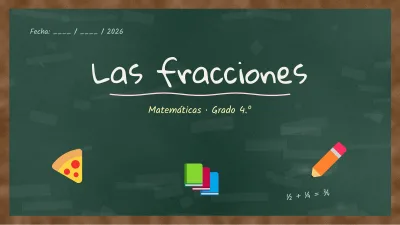 13 slidesChalkboard lesson
 13 slidesClassroom trivia game
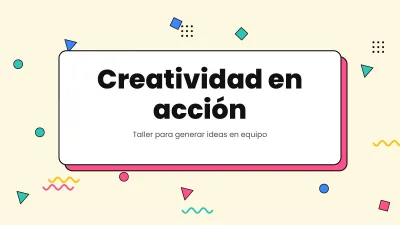 13 slidesFun colorful template
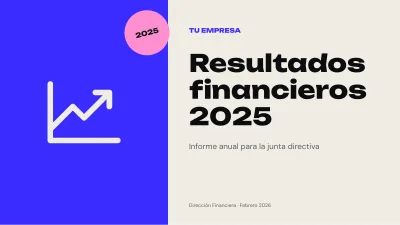
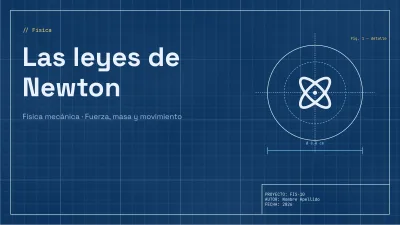
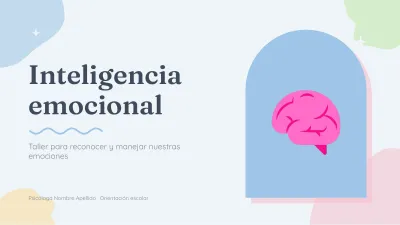
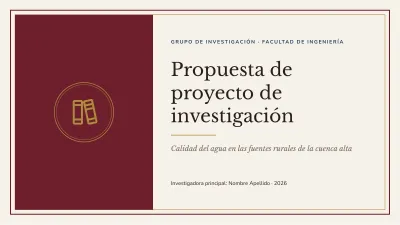
How it works
-
Pick a template
Browse by topic, style or color and flip through every slide before you download.
-
Download the .pptx
One click, no account, no email, no waiting. The file is yours to keep.
-
Edit it in your app
Open it in PowerPoint, or upload it to Google Slides or Canva, and replace the text and images.
Free presentation templates that are actually finished
Each template on SlidesGratis is a complete deck: a cover, section dividers, content layouts, native editable charts and diagrams, and a closing slide. Every slide comes written with a realistic example, so you can see the finished result and simply type over it, and colors and fonts are stored in the theme, so changing the palette takes one click.
Templates are grouped by what you need to present (a thesis defence, a business plan, a history lesson, a timeline) and by look (minimalist, aesthetic, formal, pastel). Every listing explains how to structure that kind of presentation, so you can get the content right as well as the design.
One file, every app
The .pptx format is the common language of presentations. It opens directly in Microsoft PowerPoint and Keynote, and imports into Google Slides and Canva without converting anything first. You can use the templates for school, university, work and commercial projects; the only thing not allowed is reselling or redistributing the files themselves.
Frequently asked questions
Are the templates really free?
Yes. Every template can be downloaded for free, without an account, without leaving your email and without a monthly limit.
Can I use these templates in Google Slides?
Yes. Download the .pptx, open Google Slides, choose File > Import slides (or upload the file to Google Drive and open it with Google Slides). Layouts, colors and shapes are kept; if a font is missing, Google Slides swaps it for a similar one.
Do the templates work in Canva?
Yes. In Canva, click Create a design > Import file and pick the .pptx. Canva turns every slide into an editable page. Very complex charts may arrive as images, so check them after importing.
Can I use them for commercial or work projects?
Yes. You can present them to clients, use them in your company and adapt them freely. What you cannot do is resell the templates or upload them to another website as downloadable files.
Do I have to credit SlidesGratis?
No, attribution is not required. A mention or a link is always appreciated, but your presentation can go out without it.
Which version of PowerPoint do I need?
Any version from PowerPoint 2013 onwards, PowerPoint for Mac and the free PowerPoint for the web all open the files. Older versions open them too, though some effects may look simpler.